Caching works by storing a fast, static version of your website so visitors don’t load everything from scratch.
When configured properly, caching:
Reduces server load
Improves Time to First Byte (TTFB)
Boosts Core Web Vitals
Cuts load time dramatically
Image optimization helps too — read that guide here: 👉 The Complete Image Optimization Guide for 2025 (Internal link to Post #1)
The 3 Best Caching Tools in 2025
Cloudflare APO (Best Global Caching)
APO serves your WordPress site through Cloudflare’s CDN.
Benefits:
Global caching
Faster TTFB
Automatic HTML caching
Works even with busy servers
Best for:
Blogs
Agencies
E-commerce
Membership sites
LiteSpeed Cache (Best All-in-One Solution)
If your hosting uses LiteSpeed, this is the most powerful caching plugin available.
Features:
Image optimization
Minification
CDN
Database optimization
Full-page caching
It replaces multiple plugins at once.
WP Rocket (Best for Beginners)
WP Rocket is simple and easy to configure.
Features:
Page caching
Minification
Lazy-loading
Preload caching
Database cleanup
Perfect for non-technical site owners.
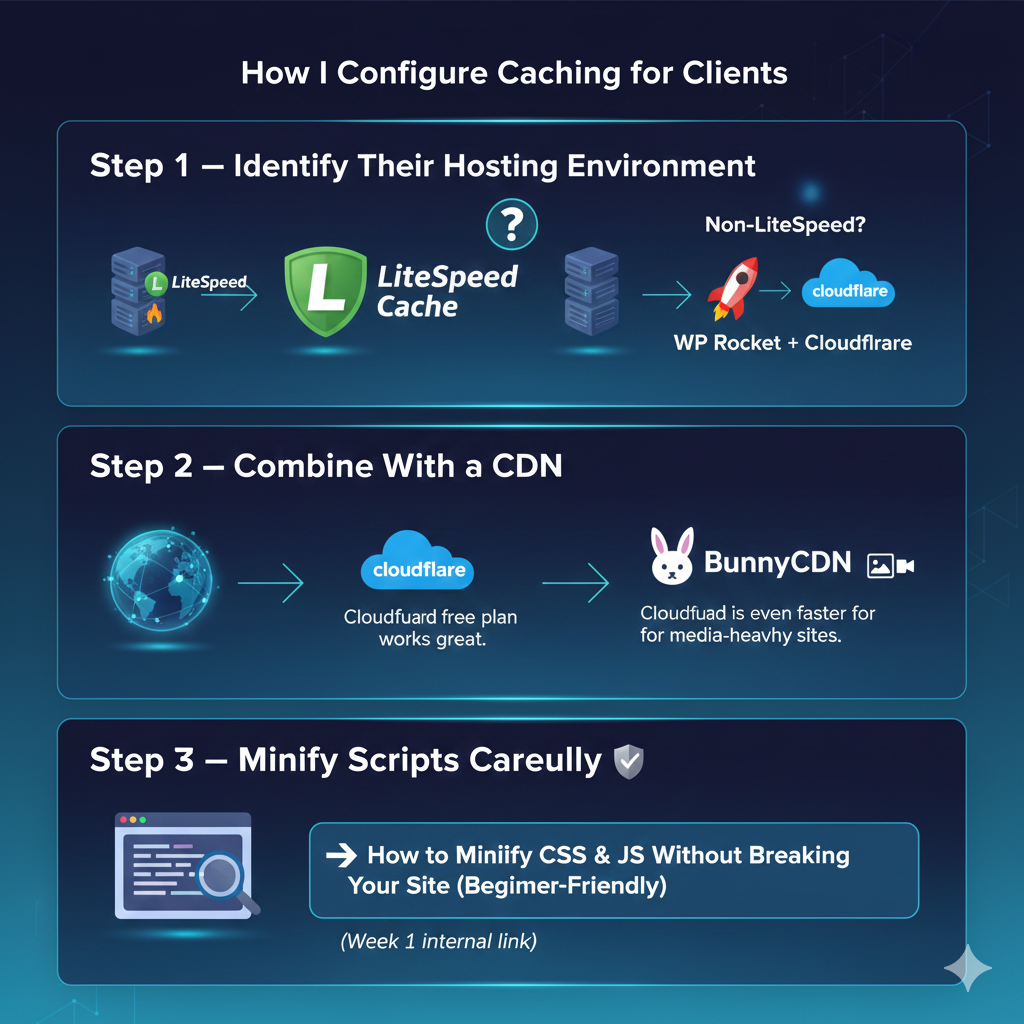
How I Configure Caching for Clients
Step 1 — Identify Their Hosting Environment
LiteSpeed hosting? Use LiteSpeed Cache. Non-LiteSpeed? Use WP Rocket + Cloudflare.
Step 2 — Combine With a CDN
Cloudflare free plan works great. BunnyCDN is even faster for media-heavy sites.
Step 3 — Minify Scripts Carefully
If you’re worried about breaking scripts, read this: 👉 How to Minify CSS & JS Without Breaking Your Site (Beginner-Friendly) (Week 1 internal link)
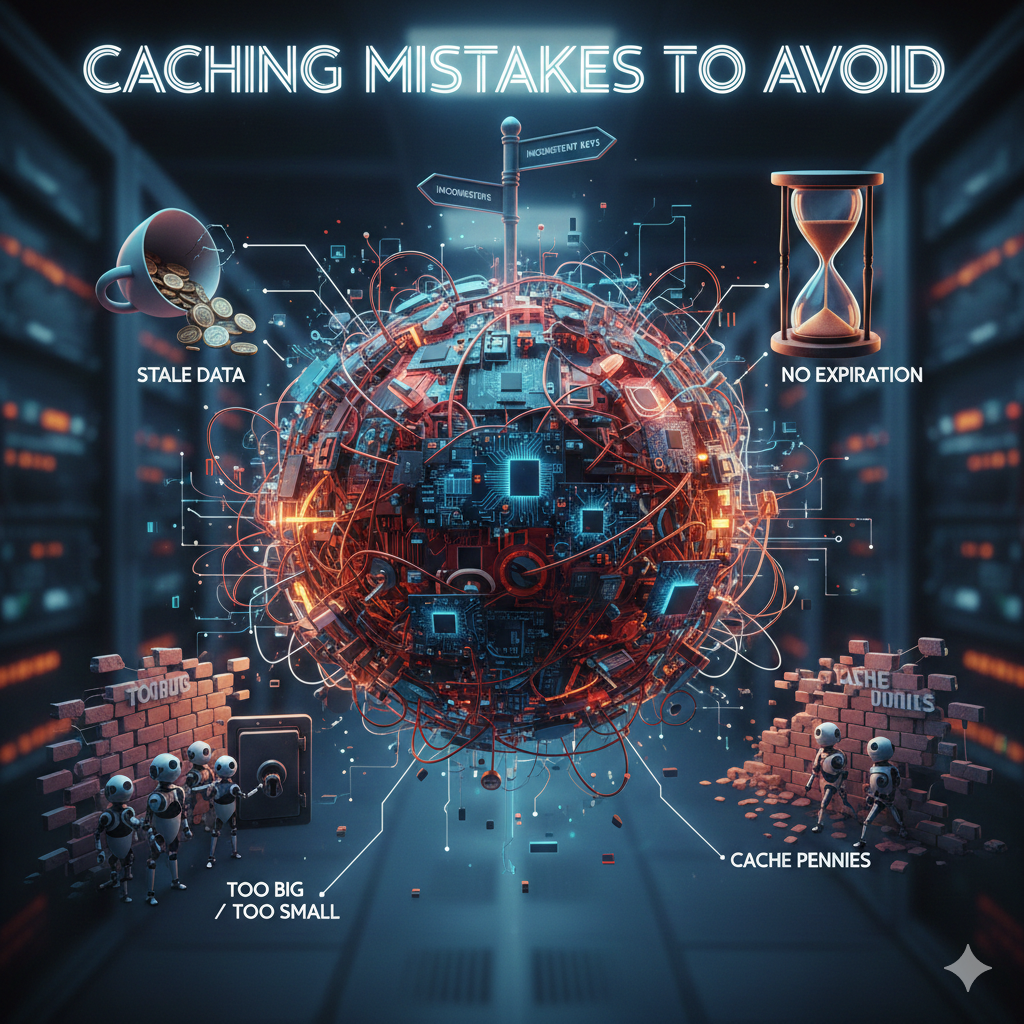
Caching Mistakes to Avoid
Installing multiple caching plugins
Enabling JS minification without testing
Using cheap shared hosting
Forgetting to clear cache after updates
Combining too many features at once
Final Thoughts
Caching is the backbone of WordPress speed. When configured properly, it can make your site feel brand new.
If your Core Web Vitals still fail after caching, the issue may be deeper. Read this next: 👉 Core Web Vitals: How I Fix INP, CLS, and LCP for Clients (Internal link to Post #3)