If images are the problem, I send clients here: 👉 The Complete Image Optimization Guide for 2025 (Internal link: Week 2 / Post #1)
Check Hosting & Server Response
A good site on bad hosting will still be slow.
I check:
PHP version
TTFB
CPU usage
Memory allocation
CDN usage
If hosting is weak, I recommend upgrading: 👉 The 2025 WordPress Hosting Guide (Week 1 internal link)
Audit Plugins and Builder Add-ons
This is where most problems hide.
I look for:
Duplicate functionality
Unnecessary Elementor or Divi add-ons
Heavy third-party integrations
Plugins last updated 1+ year ago
If Elementor is bloated, this helps: 👉 The Real Reason Your Elementor Site Loads Slowly (Week 3 internal link)
Analyze Theme & Builder Output
I check for:
Heavy DOM structure
Excessive nesting
Unused CSS
Unoptimized templates
If the builder is part of the problem, I compare alternatives: 👉 Bricks vs. Oxygen vs. Gutenberg: Which Is Fastest in 2025? (Week 3 internal link)
Inspect Images & Media Library
I look at:
File sizes
Dimensions
Formats (WebP, PNG, JPEG)
Unused media
Most sites have 3–10MB hero banners slowing down LCP.
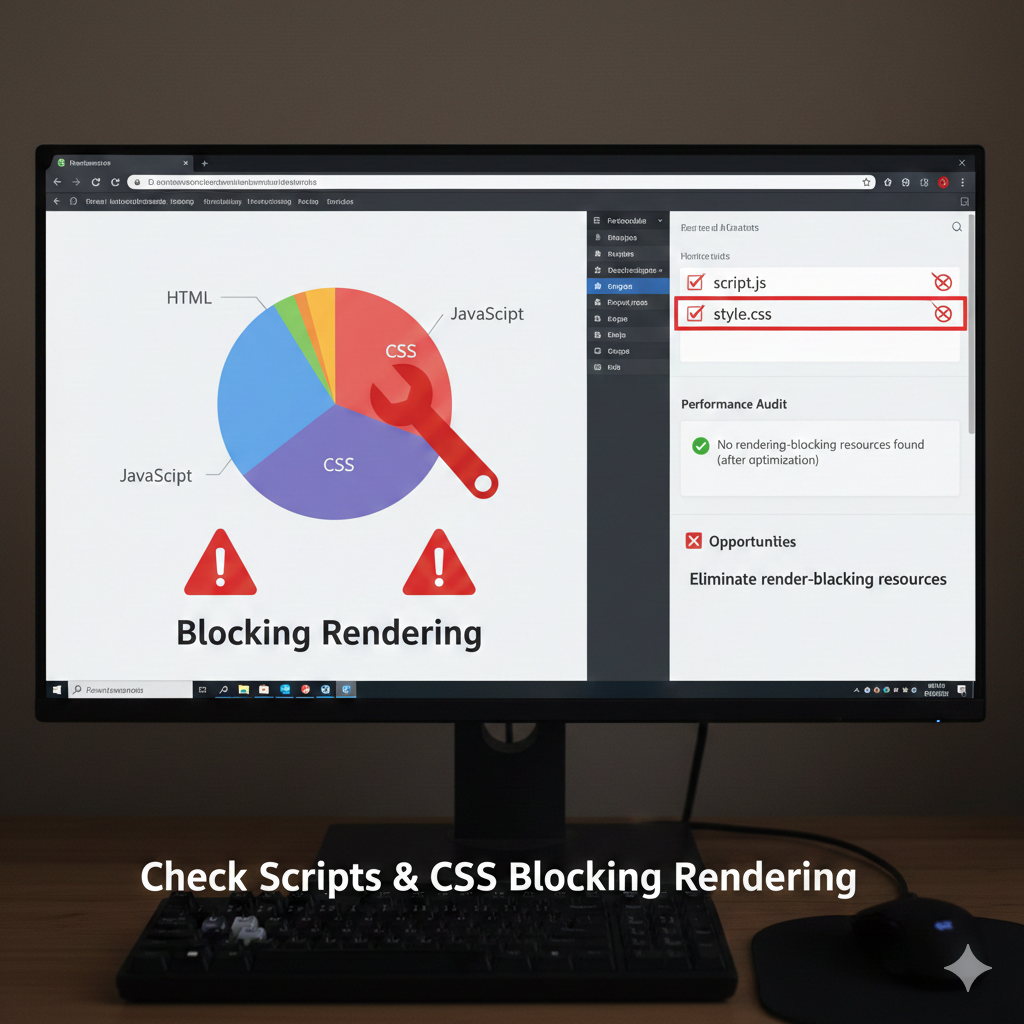
Check Scripts & CSS Blocking Rendering
This includes:
JS libraries
Font files
External scripts
Third-party embeds
If INP, CLS, or LCP are failing, I fix them using this framework: 👉 Core Web Vitals: How I Fix INP, CLS, and LCP for Clients (Week 2 internal link)
Test Caching & CDN
I check:
Cloudflare / BunnyCDN
Page caching
Browser caching
Object caching
Gzip/Brotli compression
If caching isn’t configured, here’s the guide: 👉 The Ultimate Caching Setup for WordPress (Week 2 internal link)
Final Thoughts
A speed audit isn’t guesswork—it’s a repeatable system. By following this checklist, you can diagnose 95% of website performance issues in under an hour.
Next step: see what I always remove from slow sites: 👉 10 Things I Remove from Every New Client Website (Internal link to Post #2)