hisdesign.org
Most sites don’t need:
Less is faster.
Revolution Slider is beautiful… but slow.
I replace sliders with:
Including:
Scripts heavily affect INP— this guide helps: 👉 Core Web Vitals: How I Fix INP, CLS, and LCP (Week 2 internal link)
Examples:
These cause conflicts and slow down the site.
Especially:
These themes come with massive CSS bundles.
I remove oversized images and convert them to WebP using the steps here: 👉 The Complete Image Optimization Guide for 2025 (Week 2 internal link)
I replace this with:
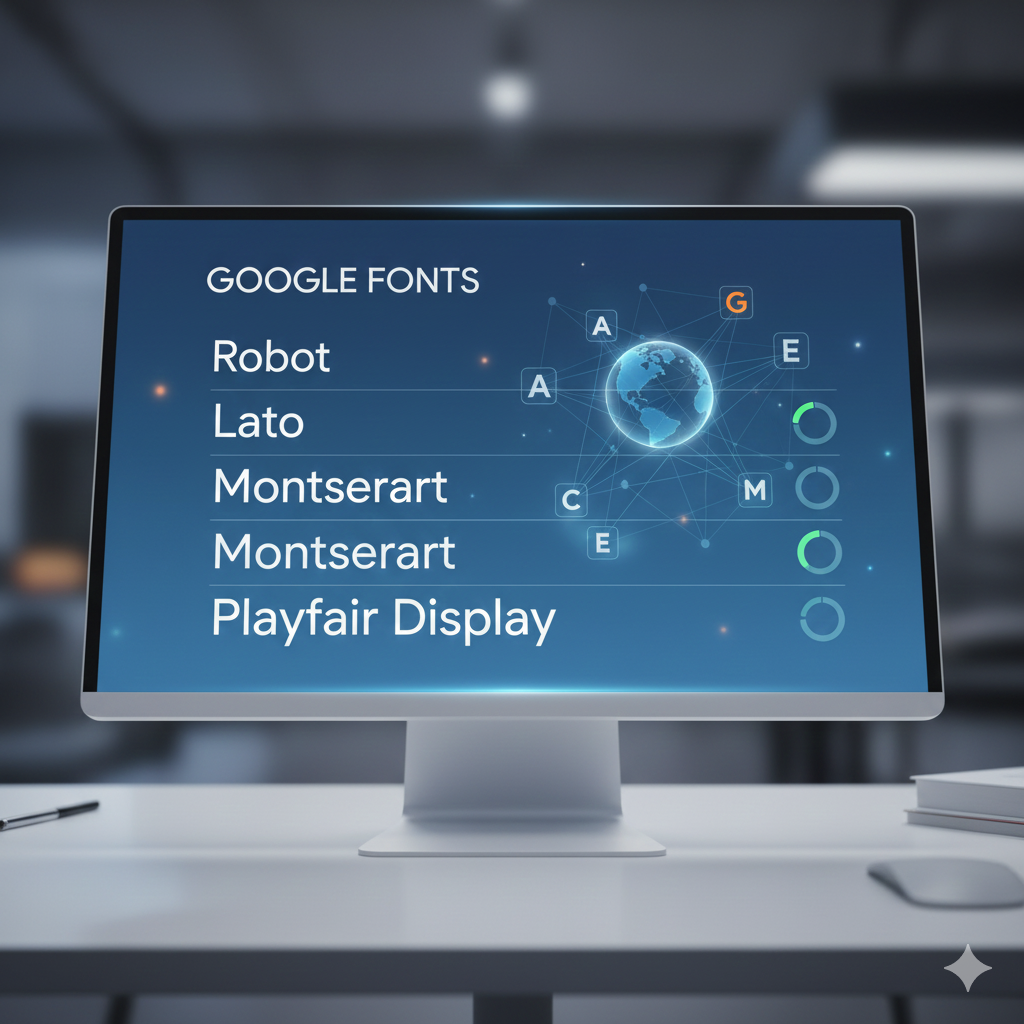
Full font guide here: 👉 Why Font Delivery Can Slow Down Your Site More Than Images (Week 3 internal link)
Old plugins = security risk + performance drain.
Many sites have:
These add DOM weight.
Especially when builders keep leftover resources.
Most websites become faster just by removing the right things— not adding more.
Want to avoid deeper performance problems? Read this: 👉 WordPress Performance Mistakes Developers Still Make in 2025 (Internal link to Post #3)